When you build Azure Functions apps with Aspire, the best experience is usually the one where the AppHost reflects intent instead of infrastructure plumbing.
That matters a lot with Durable Task Scheduler. In a local dev loop, I want an emulator. In Azure, I want the real resource. The recent Aspire integration makes that split much cleaner than the older manual approach.
Aspire 13.3 introduced support for Durable Task Scheduler as part of the Azure Functions integration.
The old setup
Before the latest change, AppHost.cs had to make a few decisions by hand:
- pick a DTS mode with a custom helper
- create an emulator container explicitly
- build a connection string manually
- switch environment variables based on that custom mode
DurableTaskScheduler:Mode controlled whether AppHost used the local DTS emulator or the Azure scheduler. In practice, Auto followed the Aspire execution context, Emulator forced the emulator, and Azure forced the Azure resource. That existed so I could switch between local development and Azure without changing code.
The relevant part looked like this:
|
|
That works, but it puts a lot of orchestration logic in the AppHost. The more logic that leaks into the host, the more to remember when switching between local development and Azure deployment.
The new Aspire integration
The current version is much smaller and easier to reason about:
|
|
The pattern is straightforward:
AddDurableTaskScheduler("scheduler")registers the resourceRunAsEmulator()is only applied when Aspire is running locallyAddTaskHub("default")stays attached to the resource, not to a custom branch- the Functions project gets a reference to that task hub instead of manual wiring
The Functions project is wired to that scheduler like this:
|
|
That is the whole connection: the AppHost creates the scheduler and task hub, then hands the task hub to the Functions project through Aspire.
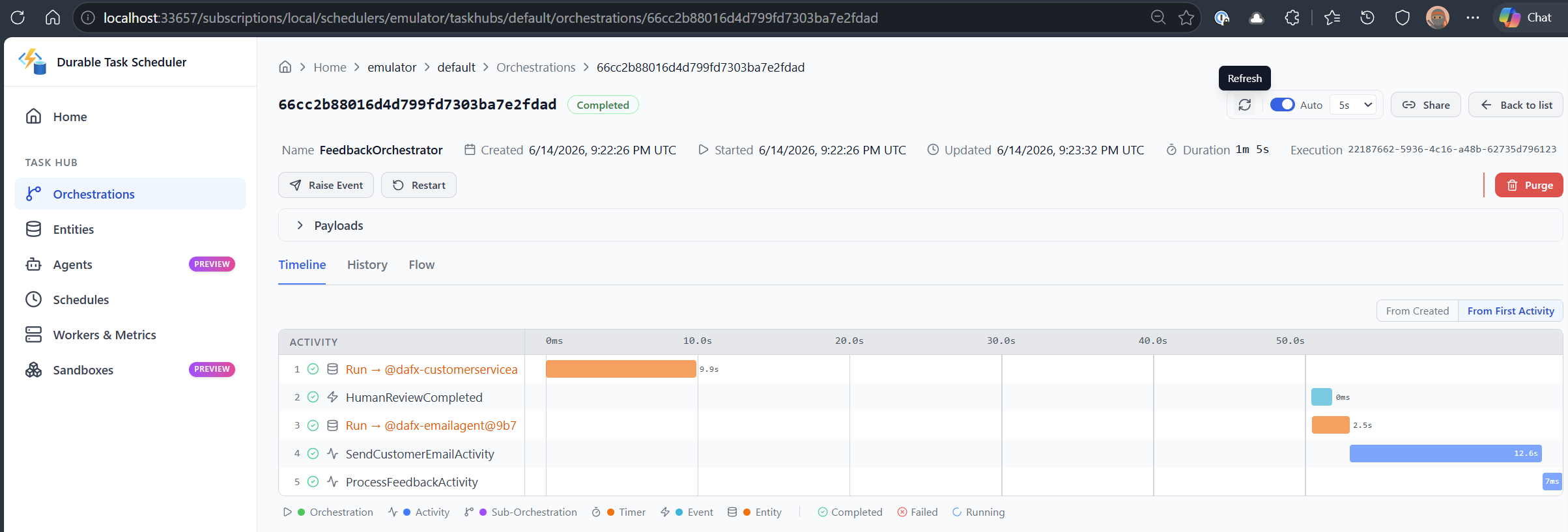
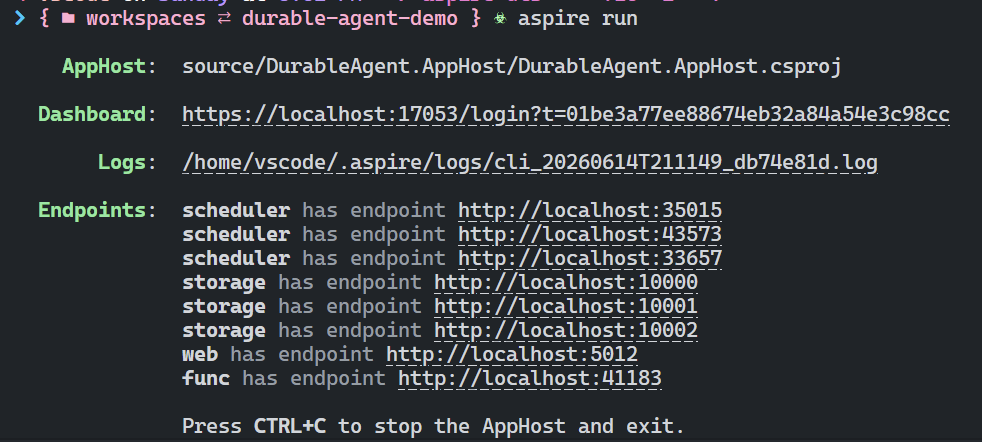
When Aspire runs locally (e.g., via aspire run command), I can see the multiple endpoints for Durable Task Scheduler:
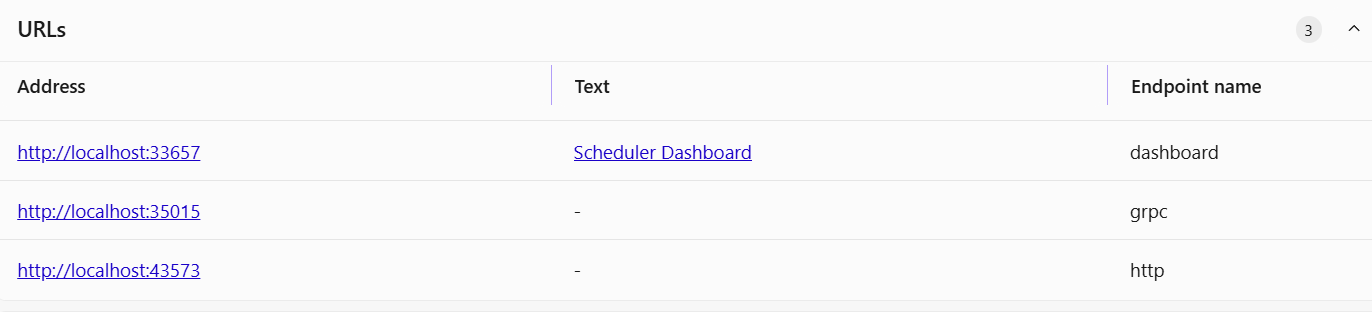
DTS provides endpoints for the dashboard, a gRPC and HTTP endpoint:
Why this is easier
The new integration is easier to use for three reasons.
| Area | Older approach | New integration |
|---|---|---|
| Decision logic | Custom mode helper and manual branching | ExecutionContext.IsRunMode |
| Resource wiring | Manual DTS container and connection string assembly | First-class Aspire resource |
| AppHost readability | More code, more special cases | Fewer lines, clearer intent |
The biggest improvement is not just fewer lines. It is that the code now reads like Aspire code.
When I scan the new AppHost, I can immediately see:
- local development uses emulators
- Azure publish uses Azure resources
- the Functions app gets the same environment contract either way
That is exactly what I want from an AppHost.
Why this matters for Azure Functions
Azure Functions apps tend to accumulate configuration glue:
- storage for the host
- queue names
- task hub names
- scheduler connection strings
- app settings for telemetry and downstream services
With Durable Task Scheduler in the mix, it is very easy to add one more custom switch and one more place where local and cloud behavior diverge.
Aspire helps by moving that choice back into the host composition layer. The Functions app keeps consuming environment variables. The AppHost decides what those values point to.
That separation is the real win:
- Functions code stays focused on triggers, orchestrations, and activities
- AppHost stays focused on environment shape and resource composition
- Local and cloud behavior stay aligned without extra branch logic
My takeaway
If you are already using Aspire with Azure Functions, the new Durable Task Scheduler integration is the way to go. It is:
- cleaner
- easier to scan
- less error-prone
- consistent with the rest of Aspire
For me, that is the difference between “it works” and “I would actually want to maintain this in a real app.”
For the official Aspire guidance on Azure Functions host integration, see the Azure Functions host documentation.